
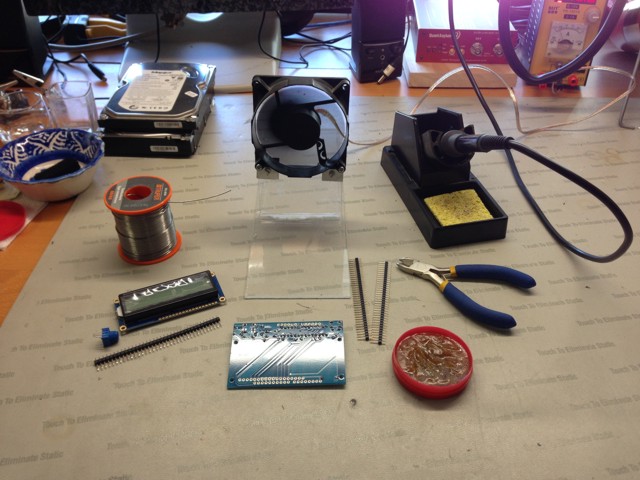
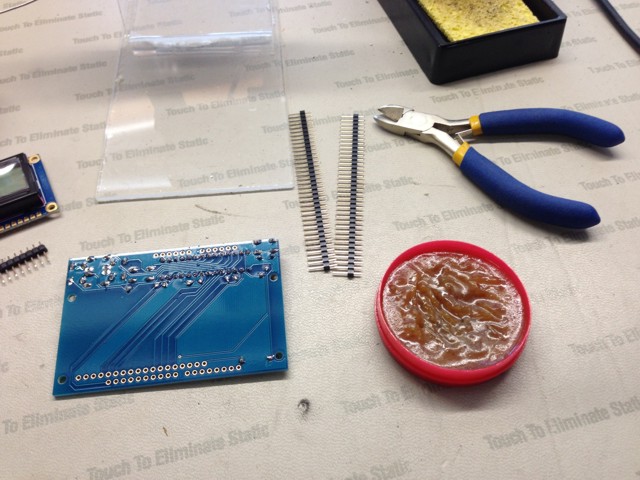
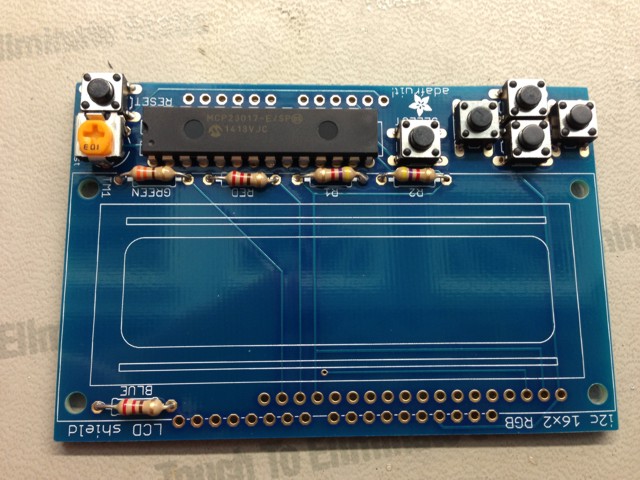
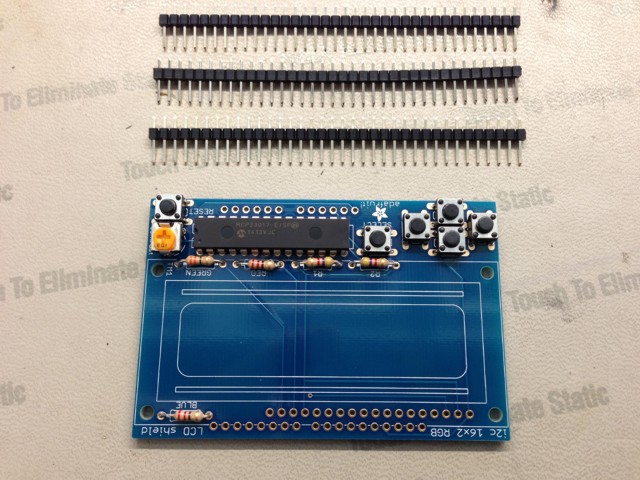
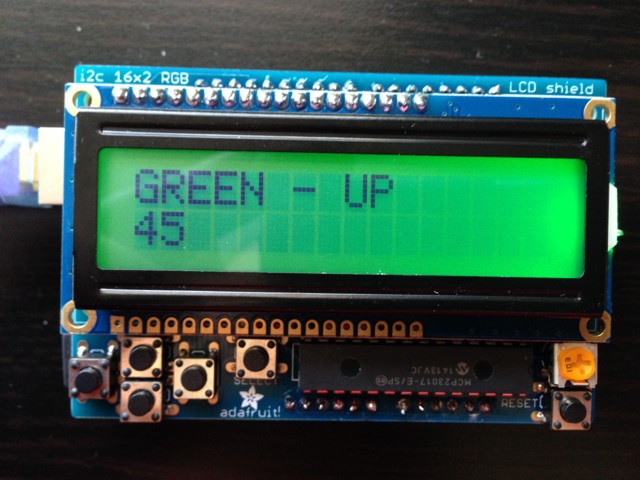
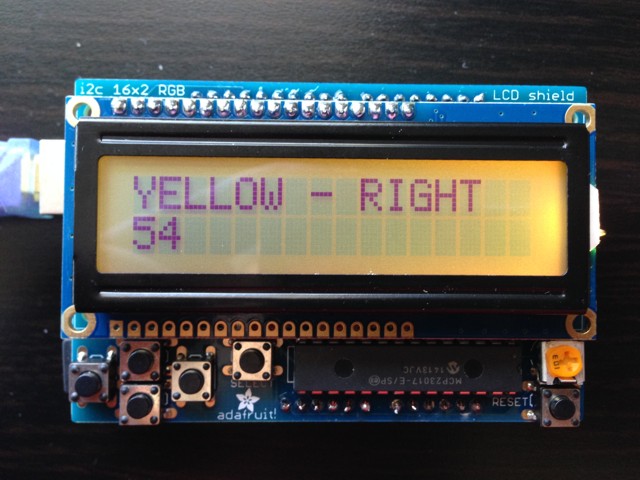
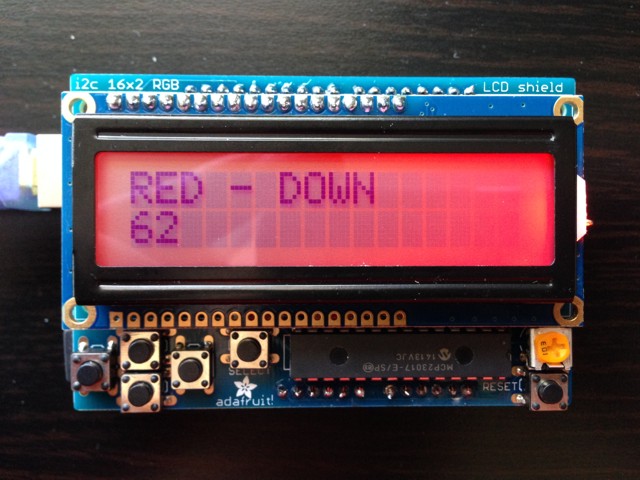
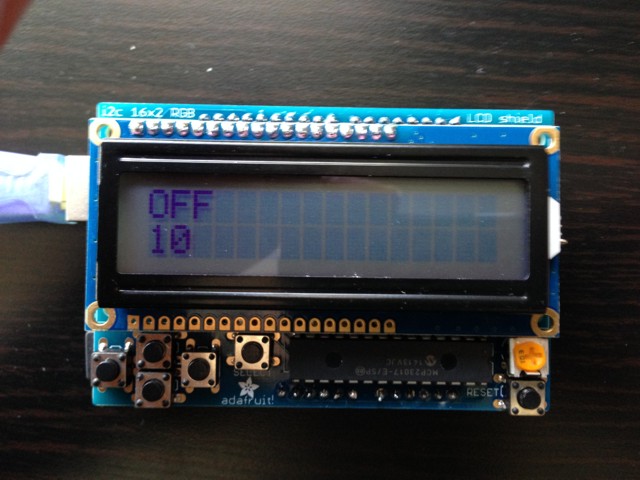
1 X Arduino UNO Rev3
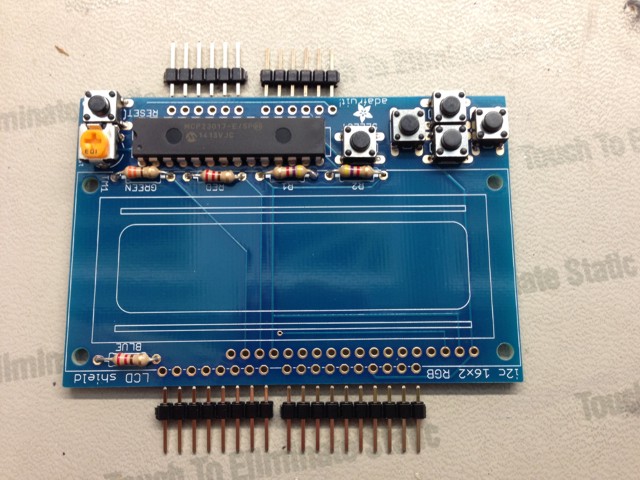
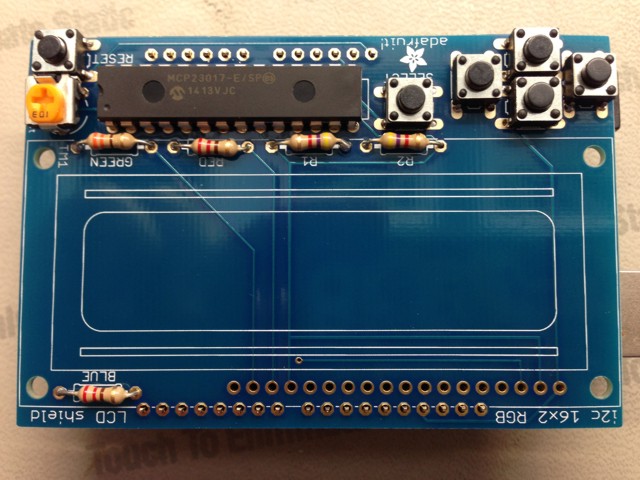
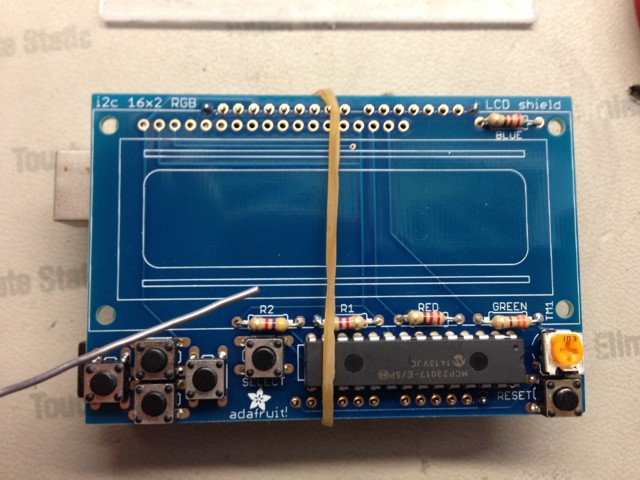
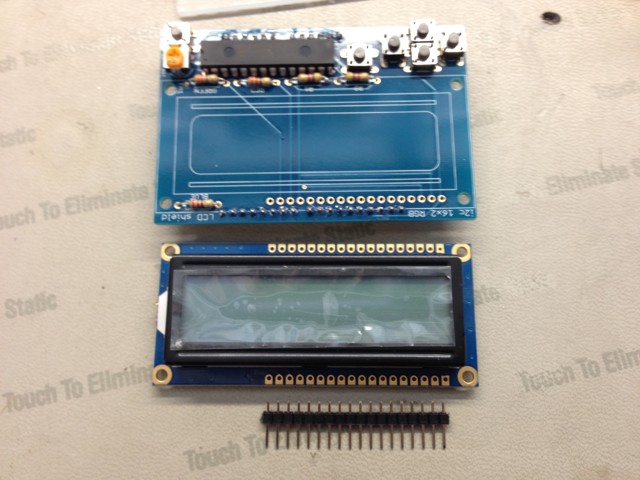
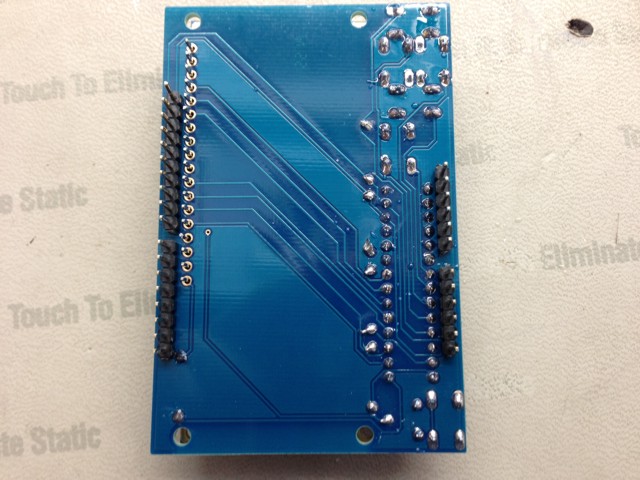
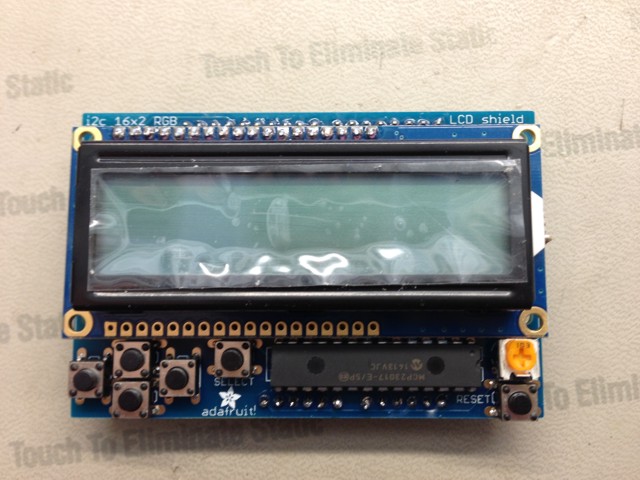
1 X Adafruit I2C Controlled + Keypad Shield Kit for 16×2 LCD
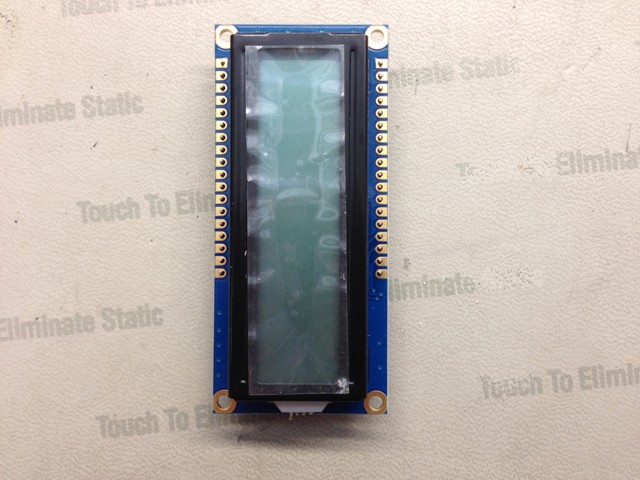
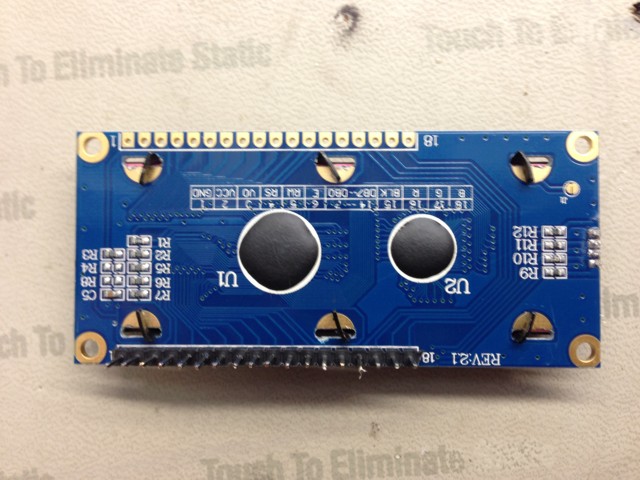
1 X RGB backlight positive LCD 16×2 + extras – black on RGB
LCDShieldMk1.3.ino
// ***** Don Luc *****
// Software Version Information
// 1.3

// include the library code:
#include <Wire.h>
#include <Adafruit_MCP23017.h>
#include <Adafruit_RGBLCDShield.h>

Adafruit_RGBLCDShield RGBLCDShield = Adafruit_RGBLCDShield();

// These #defines make it easy to set the backlight color
#define OFF 0x0
#define RED 0x1
#define YELLOW 0x3
#define GREEN 0x2
#define TEAL 0x6
#define BLUE 0x4
#define VIOLET 0x5
#define WHITE 0x7

uint8_t i = 0;

void loop() {

  // set the cursor to column 0, line 1
  RGBLCDShield.setCursor(0, 1);
  // print the number of seconds since reset:
  RGBLCDShield.print(millis() / 1000);

  uint8_t momentaryButton = RGBLCDShield.readButtons();

  if ( momentaryButton ) {

    RGBLCDShield.clear();
    RGBLCDShield.setCursor(0,0);

    if ( momentaryButton & BUTTON_UP ) {
      RGBLCDShield.print("GREEN - UP ");
      RGBLCDShield.setBacklight(GREEN);
    }

    if ( momentaryButton & BUTTON_DOWN ) {
      RGBLCDShield.print("RED - DOWN ");
      RGBLCDShield.setBacklight(RED);
    }

    if ( momentaryButton & BUTTON_LEFT ) {
      RGBLCDShield.print("BLUE - LEFT ");
      RGBLCDShield.setBacklight(BLUE);
    }

    if ( momentaryButton & BUTTON_RIGHT ) {
      RGBLCDShield.print("YELLOW - RIGHT ");
      RGBLCDShield.setBacklight(YELLOW);
    }

    if ( momentaryButton & BUTTON_SELECT ) {
      RGBLCDShield.print("OFF ");
      RGBLCDShield.setBacklight(OFF);
    }

  }

}
setup.ino
void setup() {

  // set up the LCD's number of columns and rows:
  RGBLCDShield.begin(16, 2);

  // We track how long it takes since
  int time = millis();
  RGBLCDShield.print("Don Luc!!!");
  time = millis() - time;
  RGBLCDShield.setBacklight(VIOLET);
}
Don Luc